Learn, Teach, Earn

Golearnam
Join Ongoing Creator ChallengeJoin Ongoing
LoginRegister for FREE
Join Ongoing Creator Challenge
Explore All CoursesHealth, Medicine & Wellness9Business, Finance & Law6Digital Marketing & E-Commerce5Technology & Development2AI & Artificial Intelligence2Creative Arts, Design & Media2Lifestyle, Personal Development & Hobbies1Education, Training & Language1Spirituality, Religion1
Shop All Digital ProductsMarriage And Relationship18Health, Medicine & Wellness15Lifestyle, Personal Development & Hobbies15Creative Arts, Design & Media7Technology & Development2Digital Marketing & E-Commerce12Education, Training & Language15Farming, Agriculture & Environment4Cooking & Culinary Arts /3Artificial Intelligence(AI)1Business Finance & Legal10
Browse All NichesGCE A Level past questionsHND past questions
Find a ProfessionalFind a TutorFind a Creator
Guides & TutorialsLatest Articles & Updates
FAQPrivacy PolicyTerms of ServiceSupported Countries
Our StoryMission & VisionOur TeamPartnersContact Us
Create WebinarsBecome a TutorSell ProductsAffiliate ProgramFor CreatorsFor OrganizationsFor Businesses
View All PlansEarnings CalculatorSupported CountriesCreator OrganizationsBusiness PlansCreate an OrganizationTeams Overview
Register for FREE
Join thousands of professionals onGolearnamteaching and or growing their careers.Start Learning for FREE
Explore All CoursesFind a Digital ProductBecome a TutorSell Products

Learn

  • Courses
  • Course Categories
  • Discover Professionals
  • Your personalized plan
  • Live Classes
  • Guides
  • Articles

GoStore

  • Browse GoStore
  • Find a Digital Product
  • Browse All Niches

Teach & Sell

  • Become a Tutor
  • Apply as Tutor
  • Sell Your Products
  • Host a Webinar
  • Earnings Calculator
  • Creator Challenge

Partner with us

  • For Creators
  • Affiliate Program
  • For Organizations
  • Create an Organization
  • For Businesses
  • Business Plans
  • Creator Organizations
  • View All Plans

Company & Help

  • About Us
  • Contact
  • FAQ
  • Supported Countries
  • Sign In
  • Get Started

Program terms

  • Teaching terms
  • Selling terms
  • Affiliate terms
  • Creator Challenge terms
  • Organization terms
  • All program terms

Legal and Accessibility

  • Terms of Service
  • Privacy
  • Refund Policy
  • Compliance
  • Disclaimer
  • Sitemap

Download the app

Download on theApp StoreComing Soon
Get it onGoogle Play

Find by niche

  • GCE A Level past questions
  • HND past questions

Sell by niche

  • GCE A Level past questions
  • HND past questions

Golearnam is an educational platform. The courses and materials provided are for informational and learning purposes only. We do not guarantee specific career outcomes or job placements.

© 2026 Kings Digital Group. All rights reserved.

FacebookInstagramTikTokYouTubeX
Powered byKings Digital GroupKings Digital Group
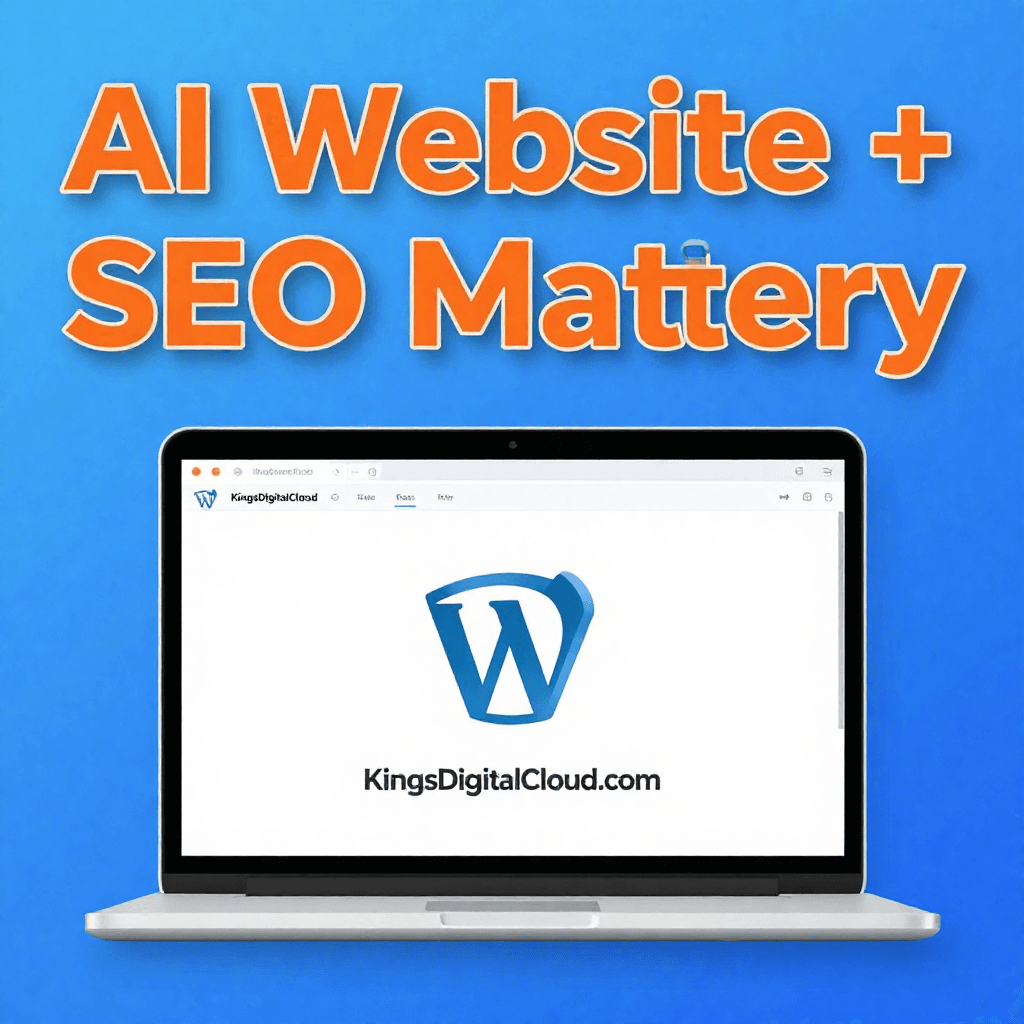
Website Development + SEO Mastery: Build & Rank WordPress Sites
Certificate included

Website Development + SEO Mastery: Build & Rank WordPress Sites

A course by
K
KINGS DIGITAL BOOTCAMP
2Students
4Installments
Online
FCFA 70,000
  • Self-paced learning. You study on your schedule
  • Lifetime access to all course content
  • Certificate of completion included
  • Learn from any device, anywhere
  • Access to the online learning community
Start for FCFA 15,000
Physical
FCFA 100,000
FCFA 70,000

Onsite: FCFA 100,000

or 4 installments

Select Installments

MODULE 1: Foundation – Setup, Hosting & AI Tooling
FCFA 15,000FCFA 20,000
Set up your WordPress site on kingsdigitalcloud.com hosting. Learn which AI tools to use for coding, design, and content. Install WordPress, configure security, and connect your AI assistant.
1

Lesson 1.1 – Why kingsdigitalcloud.com for WordPress Hosting

Overview of features: speed, free SSL, daily backups, and one-click WordPress installation. How to choose the right plan.

2

Lesson 1.2 – Installing WordPress on kingsdigitalcloud.com

Step-by-step: domain setup, cPanel access, Softaculous installer, and setting admin credentials.

3

Lesson 1.3 –Wordpress Basics and Foundational Concepts

This lesson Covers wordpress foundational concepts essential to understand what wordpress is all about and some terminologies in web development

4

Lesson 1.4 – Installing and Securing Your Site with AI-Assisted Hardening

installing SSl and Recommend security plugins (Wordfence), and schedule automated backups via kingsdigitalcloud.com .

Purchase to access this lesson
MODULE 2: Website Design and Structure – Design, Content & Pages
FCFA 20,000FCFA 30,000
Use page builders and content generators to design a complete website. Create pages, blog posts, images, and forms without manual coding.
1

Lesson 2.1 – Choosing the Right Theme

Learn how to select a theme that matches your website goals, brand style, and business needs.

2

Lesson 2.2 – Building the Homepage Layout

Create a professional homepage with clear sections, visuals, and calls to action.

3

Lesson 2.3 –Creating Core Pages

Build the essential pages every website needs, such as About, Services, Contact, and Blog.

4

Lesson 2.4 – Mobile-Friendly Design

Make sure your website looks great and works properly on phones, tablets, and desktops.

5

Lesson 2.5 - Setting Up WooCommerce

Install WooCommerce and configure your online store basics for selling products on WordPress.

6

Lesson 2.6 Adding Products and Categories

Add products, organize them into categories, and structure the store for easy browsing.

7

Lesson 2.7 - Payments, Shipping, and Taxes

Set up payment gateways, shipping zones, shipping rates, and tax settings for a working store

8

Lesson 2.8 - Store Pages and Checkout Setup

Create shop-related pages and test the checkout process before launch

9

Lesson 2.9 - Speed Optimization Basics

Improve loading speed by using caching, compressing images, reducing plugin overload, and choosing lightweight tools.

10

Lesson 2.10 - Performance Testing and Fixes

Check Core Web Vitals, test speed with tools like PageSpeed Insights, and fix issues that slow down the site.

Purchase to access this lesson
MODULE 3: SEO Training – On-Page, Off-Page & Technical
FCFA 20,000FCFA 30,000
Master search engine optimization using AI tools. Rank your WordPress site locally (Buea/Cameroon) and globally.
1

Lesson 3.1 – SEO Fundamentals

Understand how search engines work and what makes a website rank higher in Google.

2

Lesson 3.2 – Installing an SEO Plugin

Set up an SEO plugin and configure the basic options for titles, metadata, and indexing.

3

· Lesson 3.3 – On-Page SEO Essentials

Optimize headings, URLs, images, and internal links so each page is search-friendly.

4

Lesson 3.4 – Google Search Console Setup

Connect your site to Google Search Console and submit your sitemap for indexing.

5

Lesson 3.5 – Keyword Research Basics

Find keywords that match user intent and business goals.

6

Lesson 3.6 - Writing SEO-Friendly Content

Create pages and blog posts that are useful, clear, and optimized for search.

7

Lesson 3.7 - Backlink Building Basics

Learn how backlinks help authority and rankings, and how to earn them naturally.

8

Lesson 3.8 - Off-Page SEO Strategies

Use guest posting, broken link building, digital PR, unlinked mentions, and partnerships to grow authority safely.

Purchase to access this lesson
MODULE 4: Launch, Analytics & Maintenance
FCFA 15,000FCFA 20,000
Launch your site, connect Google Analytics 4, train clients (or yourself) on maintenance, and use AI to interpret data.
1

Lesson 4.1 – Keyword Research Basics

Find the right keywords to target so your content matches what people are searching for.

2

Lesson 4.2 – Writing SEO-Friendly Content

Create blog posts and service pages that are useful, clear, and optimized for search.

3

Lesson 4.3 – Tracking Website Performance

Use analytics and search data to monitor traffic, rankings, and user behavior.

4

Lesson 4.4 – Improving and Scaling Your Site

Learn how to update content, fix SEO issues, and grow your website over time

Purchase to access this lesson

Learning Mode

This course includes:

4 installments
Onsite access
Certificate of completion
Lifetime access
Mobile and desktop access
Flexible payment options

About This Course

This course combines the power of artificial intelligence with practical WordPress development and search engine optimization – all hosted on fast, reliable KingsDigitalCloud.com infrastructure.

You don't need to be a developer or an SEO expert. You just need a computer and the willingness to learn.

What you will learn:

  • Set up WordPress on KingsDigitalCloud.com in under 30 minutes – including security, backups, and SSL.

  • Use AI tools like ChatGPT, GitHub Copilot, and AI page builders to design stunning pages without writing code.

  • Create blog posts, product descriptions, and images using AI – content that actually ranks on Google.

  • Master SEO fundamentals: keyword research, on-page optimization, technical audits, and link building – all accelerated with AI.

  • Launch your site, connect Google Analytics, and interpret data using AI-powered insights.

  • Maintain your website with automated AI monitoring and chatbot support.

Who is this course for?

  1. Salon owners, freelancers, and small business owners in Buea, Douala, Yaoundé – or anywhere in Cameroon.

  2. Aspiring web designers who want to deliver sites faster.

  3. Digital marketers who want to add WordPress SEO to their skillset.

  4. Anyone who wants to build websites without learning to code.

What makes this course different?

  • Hosting partner: KingsDigitalCloud.com – built for African traffic, speed, and support.

  • AI-first approach: Every lesson includes real prompts and outputs you can copy and use immediately.

  • Local relevance: Examples and case studies tailored to Cameroon businesses (hair salons, restaurants, shops, blogs).

Course format: Self-paced video modules, downloadable checklists, and a final capstone project where you build and rank your own live site.

By the end of this course, you will have a fully functional, SEO-optimized WordPress website hosted on KingsDigitalCloud.com – and the confidence to build the next one for a client or your own brand.


Prerequisites (Tools/Skills You'll Need)

  • web development
  • seo
  • webdev

About the Organization

Meet the Organization

K

KINGS DIGITAL BOOTCAMP

Organization

5
About the Organization

At Kings Digital Bootcamp, Our mission is to help people of all ages learn useful digital skills that can open up real opportunities

5
Students
3
Courses
0.0
Rating
0
Reviews

Student Reviews

0.0

Based on 0 reviews

5
0
4
0
3
0
2
0
1
0

No reviews yet

Be the first to share your experience with this course

FCFA 70,000

Onsite: FCFA 100,000

or 4 installments

Select Installments

MODULE 1: Foundation – Setup, Hosting & AI Tooling
FCFA 15,000FCFA 20,000
Set up your WordPress site on kingsdigitalcloud.com hosting. Learn which AI tools to use for coding, design, and content. Install WordPress, configure security, and connect your AI assistant.
1

Lesson 1.1 – Why kingsdigitalcloud.com for WordPress Hosting

Overview of features: speed, free SSL, daily backups, and one-click WordPress installation. How to choose the right plan.

2

Lesson 1.2 – Installing WordPress on kingsdigitalcloud.com

Step-by-step: domain setup, cPanel access, Softaculous installer, and setting admin credentials.

3

Lesson 1.3 –Wordpress Basics and Foundational Concepts

This lesson Covers wordpress foundational concepts essential to understand what wordpress is all about and some terminologies in web development

4

Lesson 1.4 – Installing and Securing Your Site with AI-Assisted Hardening

installing SSl and Recommend security plugins (Wordfence), and schedule automated backups via kingsdigitalcloud.com .

Purchase to access this lesson
MODULE 2: Website Design and Structure – Design, Content & Pages
FCFA 20,000FCFA 30,000
Use page builders and content generators to design a complete website. Create pages, blog posts, images, and forms without manual coding.
1

Lesson 2.1 – Choosing the Right Theme

Learn how to select a theme that matches your website goals, brand style, and business needs.

2

Lesson 2.2 – Building the Homepage Layout

Create a professional homepage with clear sections, visuals, and calls to action.

3

Lesson 2.3 –Creating Core Pages

Build the essential pages every website needs, such as About, Services, Contact, and Blog.

4

Lesson 2.4 – Mobile-Friendly Design

Make sure your website looks great and works properly on phones, tablets, and desktops.

5

Lesson 2.5 - Setting Up WooCommerce

Install WooCommerce and configure your online store basics for selling products on WordPress.

6

Lesson 2.6 Adding Products and Categories

Add products, organize them into categories, and structure the store for easy browsing.

7

Lesson 2.7 - Payments, Shipping, and Taxes

Set up payment gateways, shipping zones, shipping rates, and tax settings for a working store

8

Lesson 2.8 - Store Pages and Checkout Setup

Create shop-related pages and test the checkout process before launch

9

Lesson 2.9 - Speed Optimization Basics

Improve loading speed by using caching, compressing images, reducing plugin overload, and choosing lightweight tools.

10

Lesson 2.10 - Performance Testing and Fixes

Check Core Web Vitals, test speed with tools like PageSpeed Insights, and fix issues that slow down the site.

Purchase to access this lesson
MODULE 3: SEO Training – On-Page, Off-Page & Technical
FCFA 20,000FCFA 30,000
Master search engine optimization using AI tools. Rank your WordPress site locally (Buea/Cameroon) and globally.
1

Lesson 3.1 – SEO Fundamentals

Understand how search engines work and what makes a website rank higher in Google.

2

Lesson 3.2 – Installing an SEO Plugin

Set up an SEO plugin and configure the basic options for titles, metadata, and indexing.

3

· Lesson 3.3 – On-Page SEO Essentials

Optimize headings, URLs, images, and internal links so each page is search-friendly.

4

Lesson 3.4 – Google Search Console Setup

Connect your site to Google Search Console and submit your sitemap for indexing.

5

Lesson 3.5 – Keyword Research Basics

Find keywords that match user intent and business goals.

6

Lesson 3.6 - Writing SEO-Friendly Content

Create pages and blog posts that are useful, clear, and optimized for search.

7

Lesson 3.7 - Backlink Building Basics

Learn how backlinks help authority and rankings, and how to earn them naturally.

8

Lesson 3.8 - Off-Page SEO Strategies

Use guest posting, broken link building, digital PR, unlinked mentions, and partnerships to grow authority safely.

Purchase to access this lesson
MODULE 4: Launch, Analytics & Maintenance
FCFA 15,000FCFA 20,000
Launch your site, connect Google Analytics 4, train clients (or yourself) on maintenance, and use AI to interpret data.
1

Lesson 4.1 – Keyword Research Basics

Find the right keywords to target so your content matches what people are searching for.

2

Lesson 4.2 – Writing SEO-Friendly Content

Create blog posts and service pages that are useful, clear, and optimized for search.

3

Lesson 4.3 – Tracking Website Performance

Use analytics and search data to monitor traffic, rankings, and user behavior.

4

Lesson 4.4 – Improving and Scaling Your Site

Learn how to update content, fix SEO issues, and grow your website over time

Purchase to access this lesson

Learning Mode

This course includes:

4 installments
Onsite access
Certificate of completion
Lifetime access
Mobile and desktop access
Flexible payment options