Trsuted By
Legal and Accessibility
Golearnam is an educational platform. The courses and materials provided are for informational and learning purposes only. We do not guarantee specific career outcomes or job placements.
Trsuted By


Golearnam is an educational platform. The courses and materials provided are for informational and learning purposes only. We do not guarantee specific career outcomes or job placements.
Learn how to earn, download, share, and verify your course completion certificates on Golearnam.
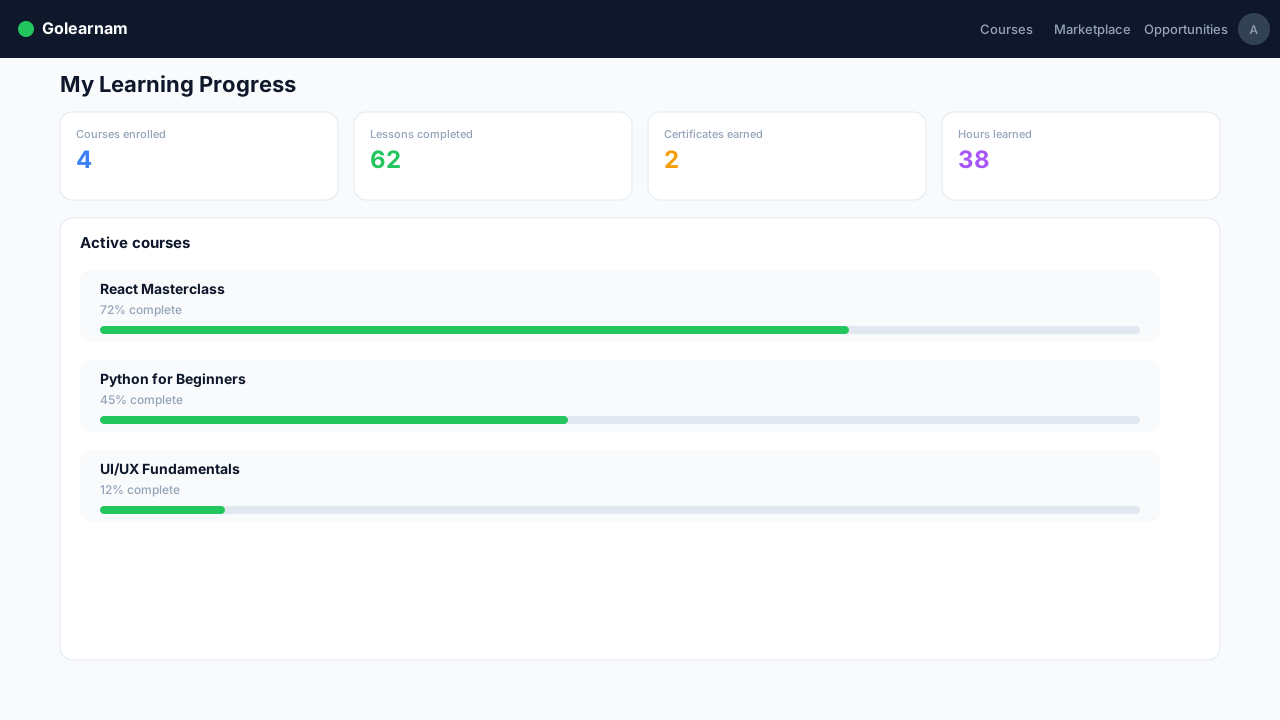
To earn a certificate, you must complete 100% of the course content. This means finishing every lesson in every installment and passing all quizzes with a score of 70% or higher. Your progress is tracked automatically. Check the progress bar in the course header to see how close you are to completion.
Tip
Make sure you've purchased all installments if the course is split into multiple parts. You can only earn a certificate after completing the entire course.
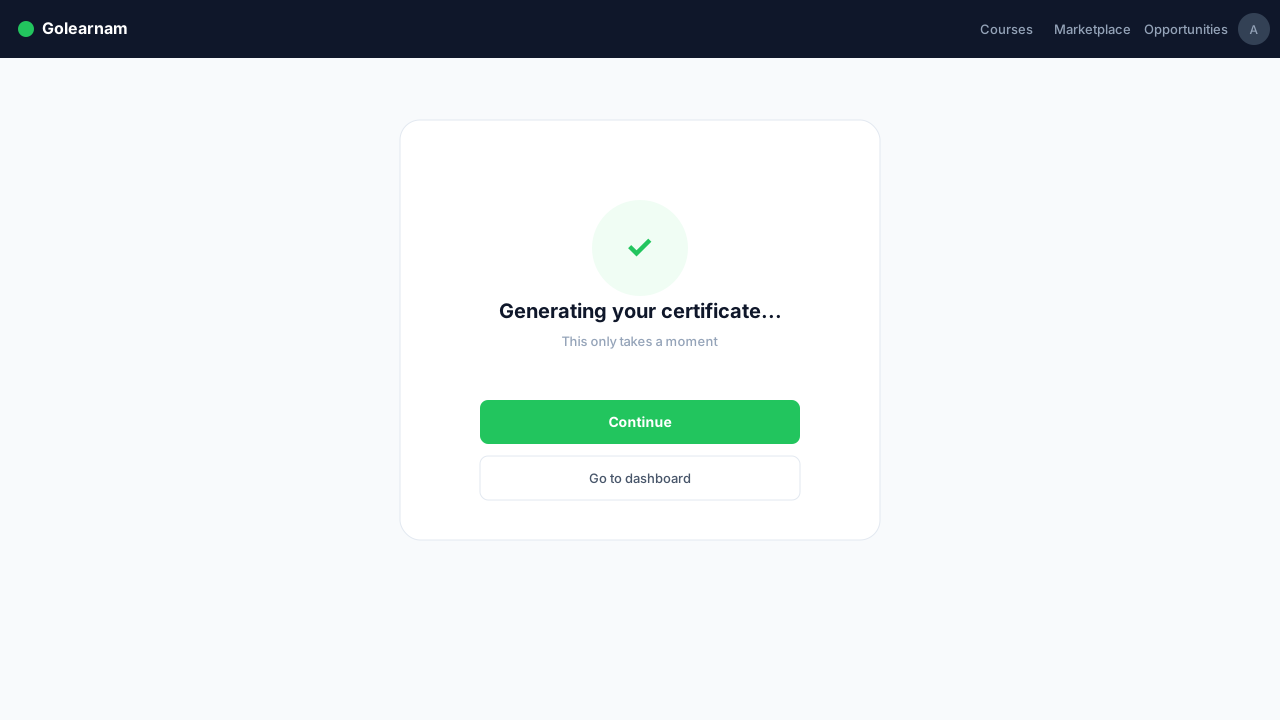
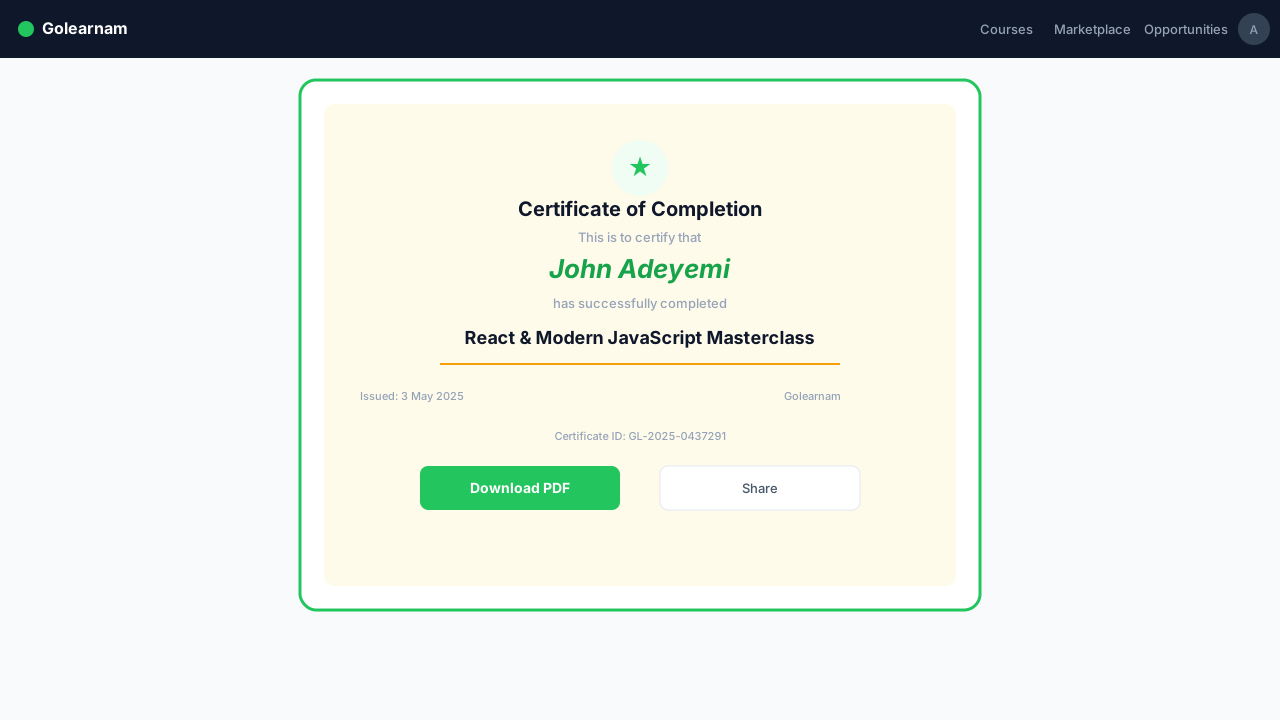
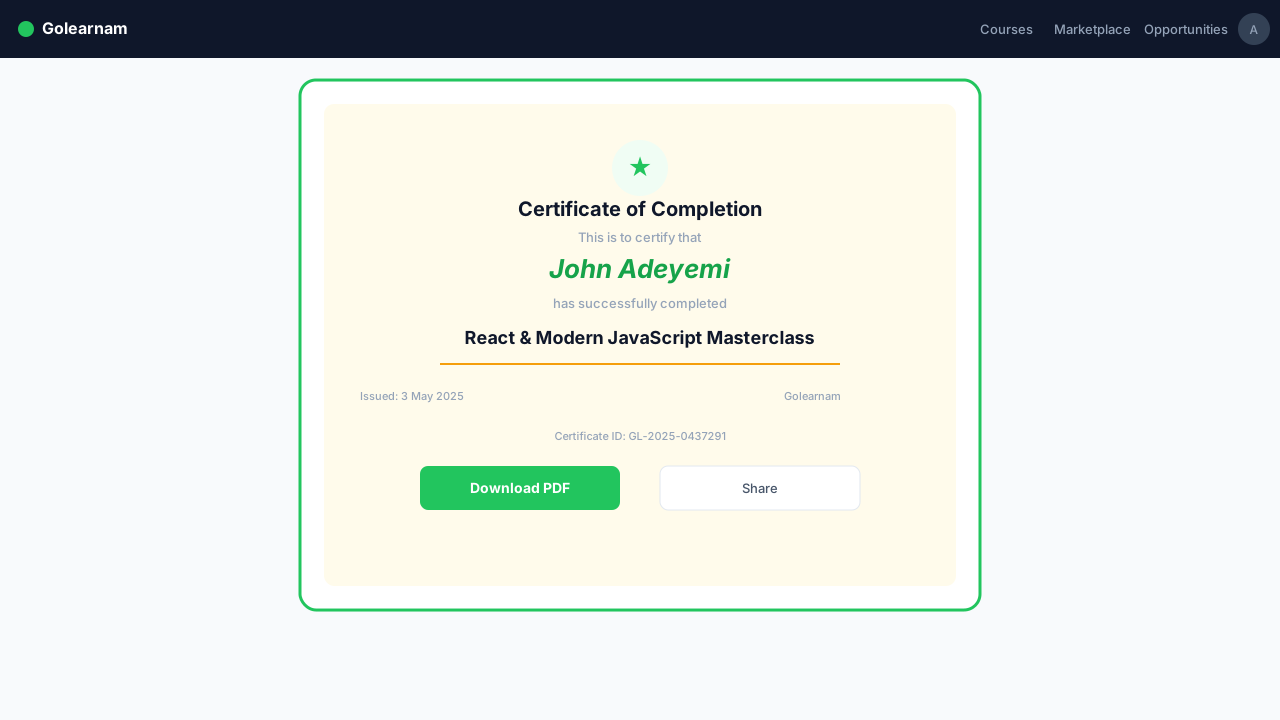
Once you complete all course content, your certificate is generated automatically. It includes your full name, the course title, the tutor's name, the completion date, and a unique certificate number. The certificate is created as a professional PDF document that you can download and print.
All your earned certificates are listed in the Student Dashboard under the 'Certificates' section in the sidebar. Click on any certificate to view it in full detail. You'll see the certificate information card with the course name, tutor name, completion date, certificate number, and a PDF preview of the actual certificate.
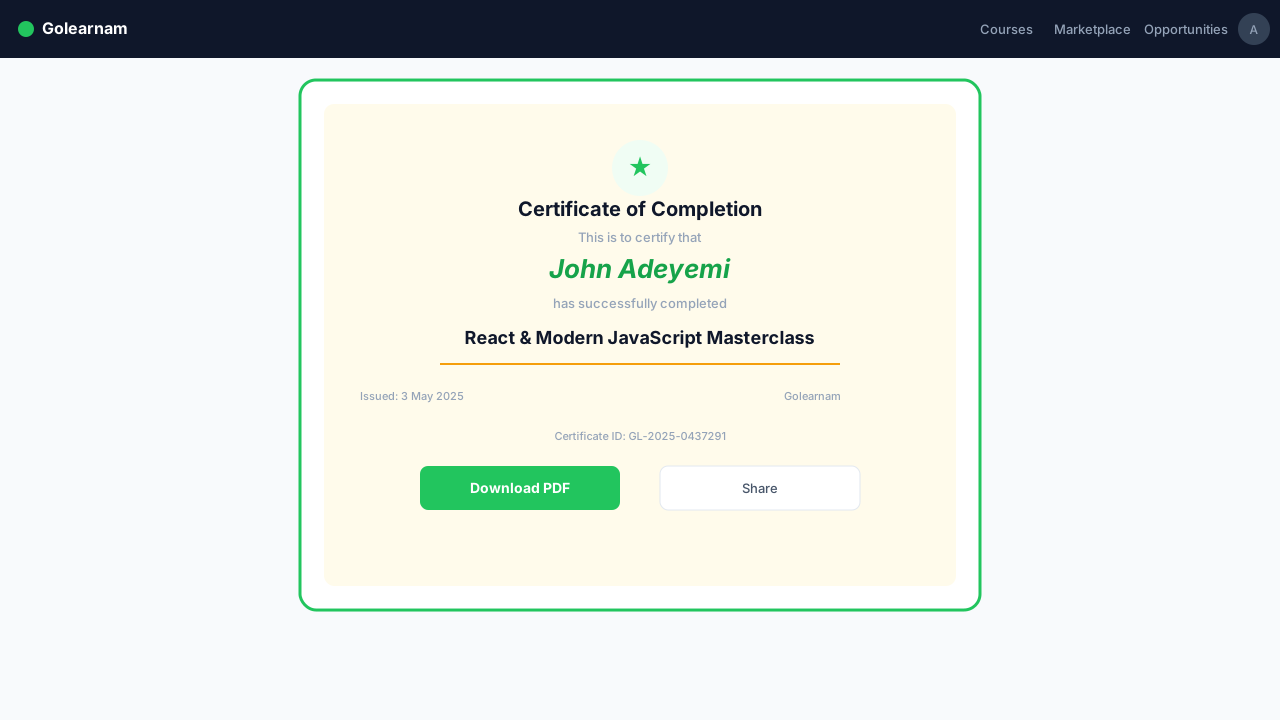
On the certificate detail page, click the 'Download' button in the top right corner. The certificate will be downloaded as a PDF file named with your certificate number. You can print it, attach it to job applications, or keep it for your personal records.
Tip
Save your certificate PDF in a safe location. You can always re-download it from your dashboard, but having a local copy is handy.
Each certificate has a unique public URL that anyone can view. Click the 'Share' button to share the link via social media, email, or messaging apps. On supported devices, the native share menu will appear. On desktop, the link is copied to your clipboard. Share your achievement on LinkedIn, Twitter, or directly with potential employers.
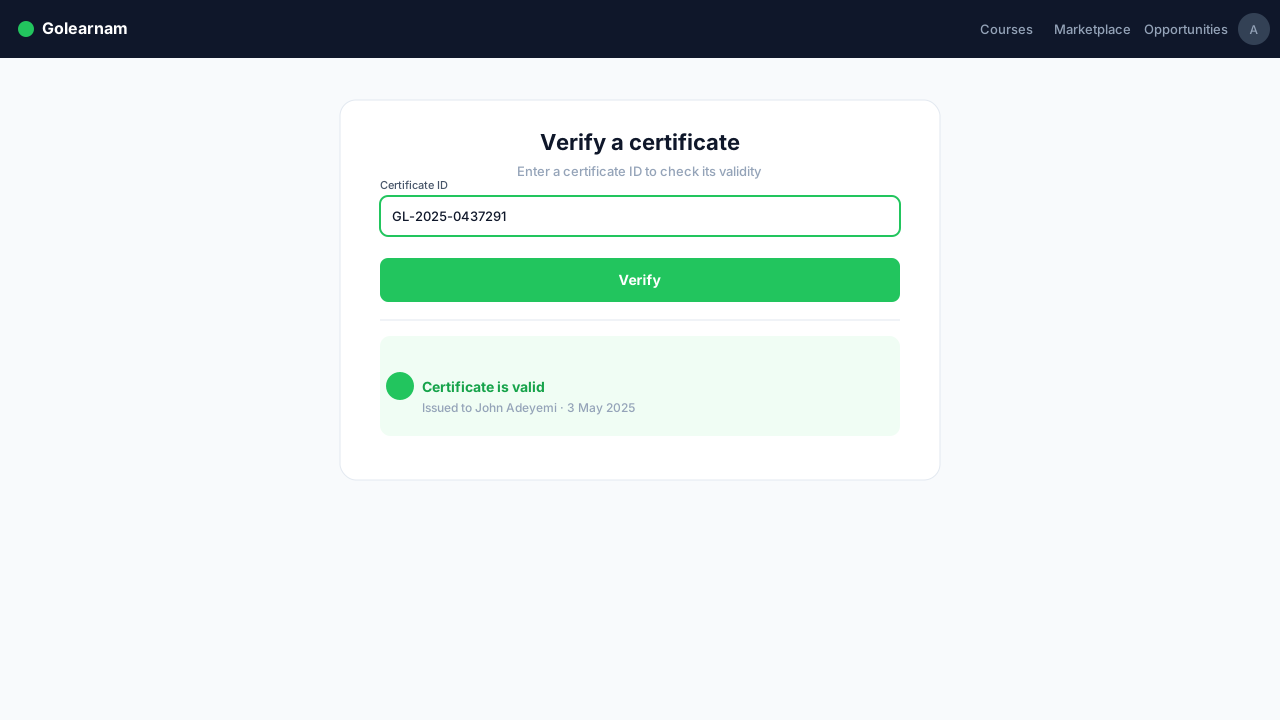
Every Golearnam certificate can be independently verified. When someone receives your certificate link, they can click 'Verify Certificate' on the public certificate page. The system checks the certificate number against our records and confirms whether it is authentic, showing the student name, course name, and completion date. This ensures your credentials are trusted by employers and institutions.
Tip
Include the certificate verification URL when sharing with employers, as it adds credibility to your qualification.