Trsuted By
Legal and Accessibility
Golearnam is an educational platform. The courses and materials provided are for informational and learning purposes only. We do not guarantee specific career outcomes or job placements.
Trsuted By


Golearnam is an educational platform. The courses and materials provided are for informational and learning purposes only. We do not guarantee specific career outcomes or job placements.
Everything you need to know about payments, billing, installment plans, and refunds on Golearnam.
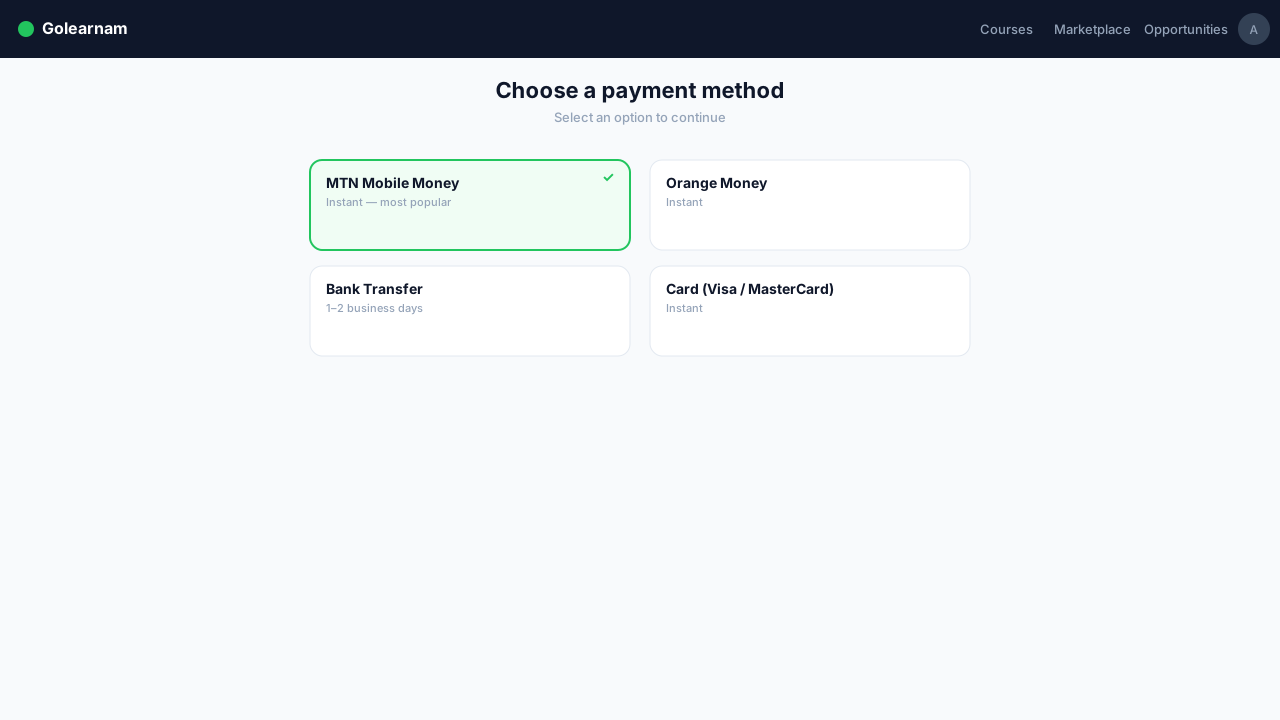
Golearnam accepts a variety of payment methods to make purchasing courses convenient. We currently support Visa, Mastercard, and other major credit/debit cards. Mobile money options (MTN Mobile Money, Orange Money) are available for users in supported regions. All transactions are processed securely with SSL encryption.
Tip
Save your preferred payment method in your account settings for faster checkout on future purchases.
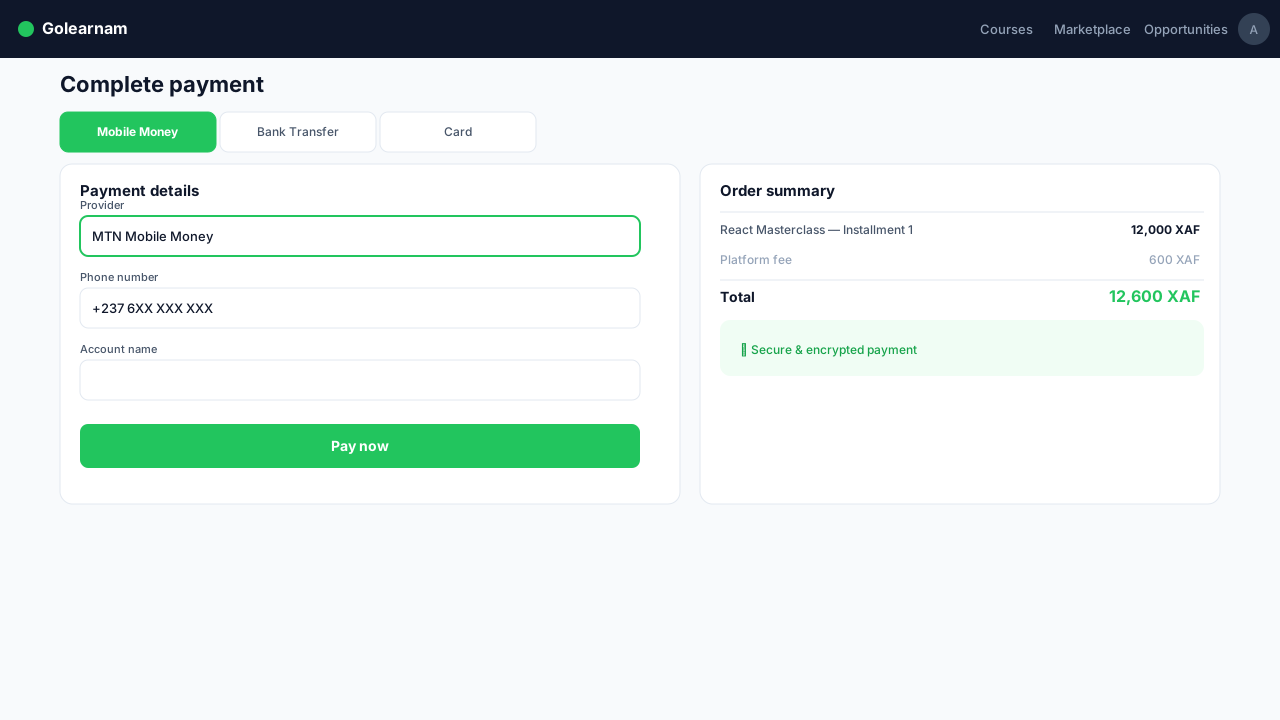
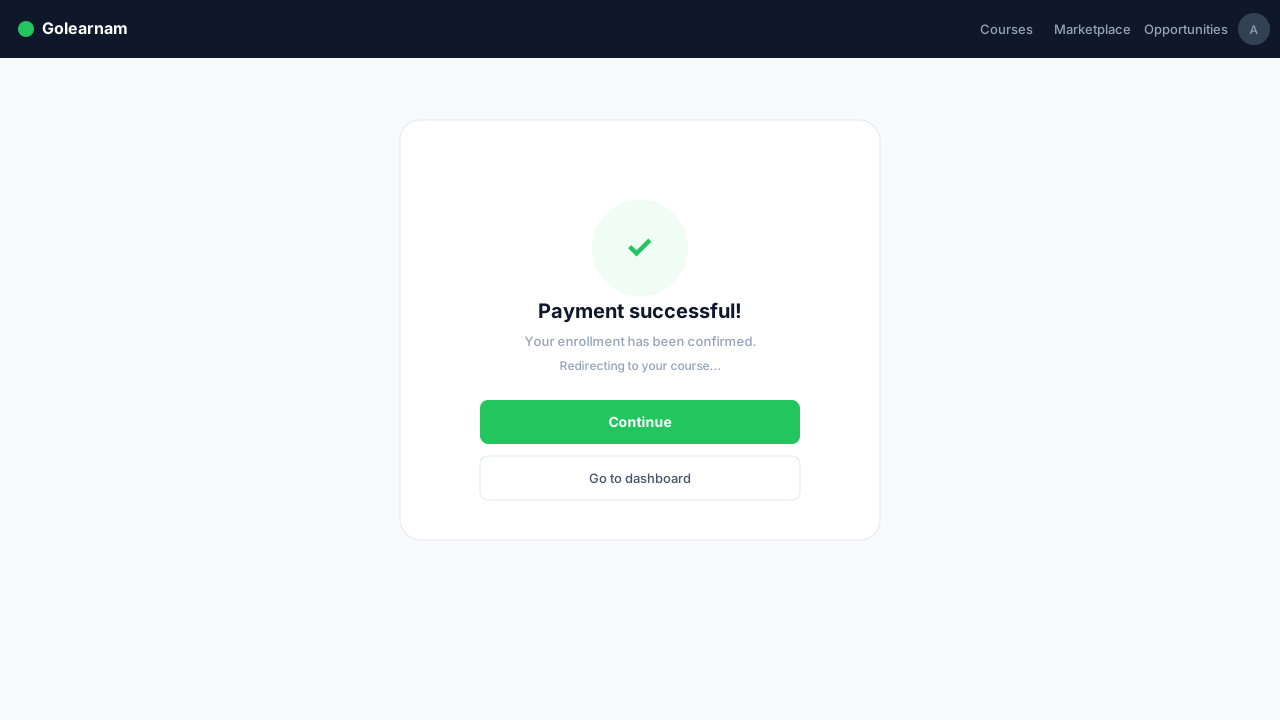
When you click 'Enroll Now' on a paid course, you'll be taken to the secure checkout page. Select your payment method, enter your details, and review the total amount. Click 'Confirm Payment' to complete the transaction. You'll see a success page and receive an email receipt.
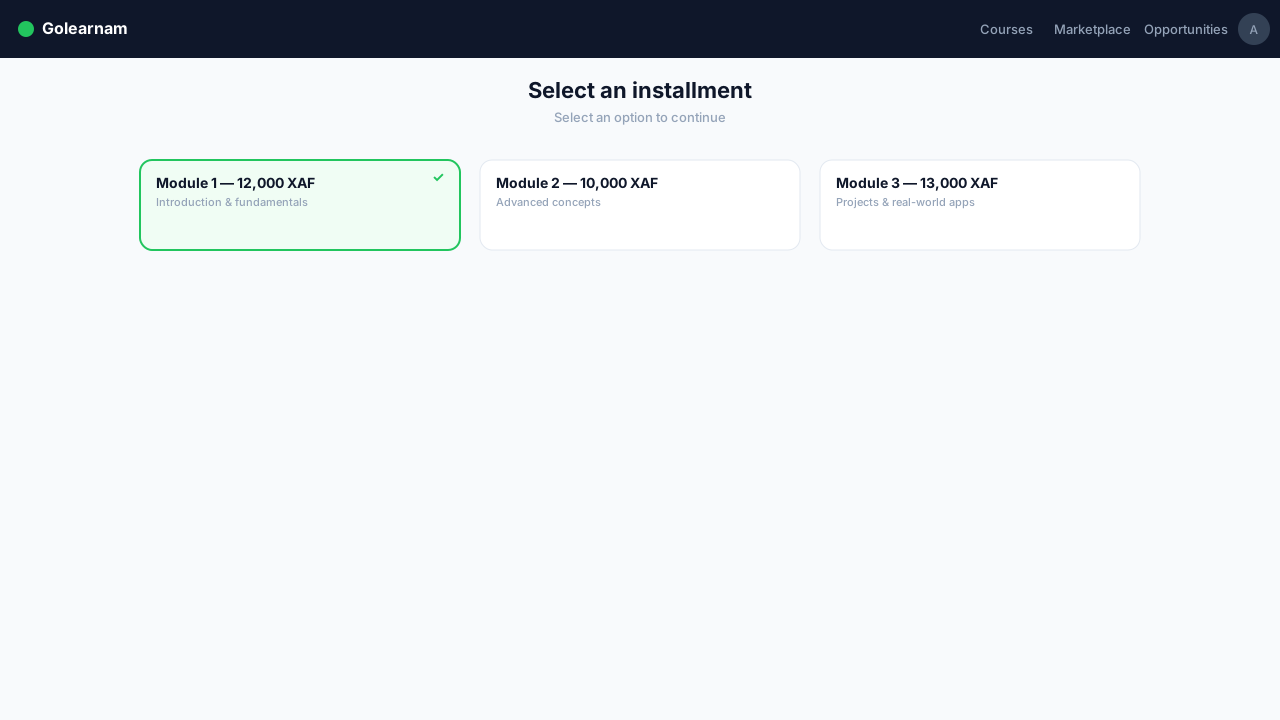
Many courses on Golearnam offer installment payment plans. Instead of paying the full price upfront, you can split the cost into 2-4 monthly payments. Installment options are shown on the checkout page. Once you commit to a plan, payments are due on the scheduled dates.
Tip
Missing an installment payment may result in temporary suspension of course access until the payment is made.
After every successful payment, you'll receive a confirmation email with a detailed receipt including the course name, amount paid, payment method, and transaction ID. You can also view all your transaction history from your dashboard under 'Payment History'.
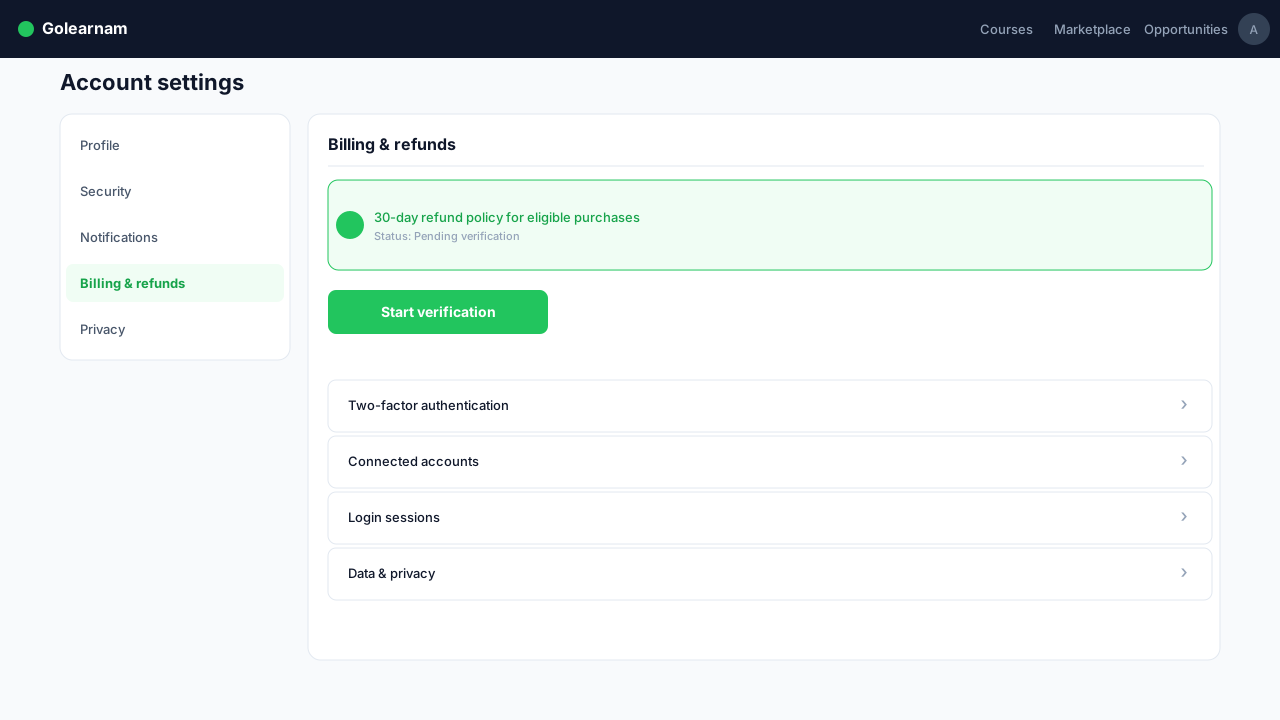
We want you to be satisfied with your purchase. If you're not happy with a course, you can request a refund within 7 days of purchase, provided you haven't completed more than 25% of the course content. Refund requests are reviewed on a case-by-case basis. To request a refund, contact our support team with your transaction ID.
Tip
Before requesting a refund, try reaching out to the course instructor, as they may be able to help resolve your concerns.
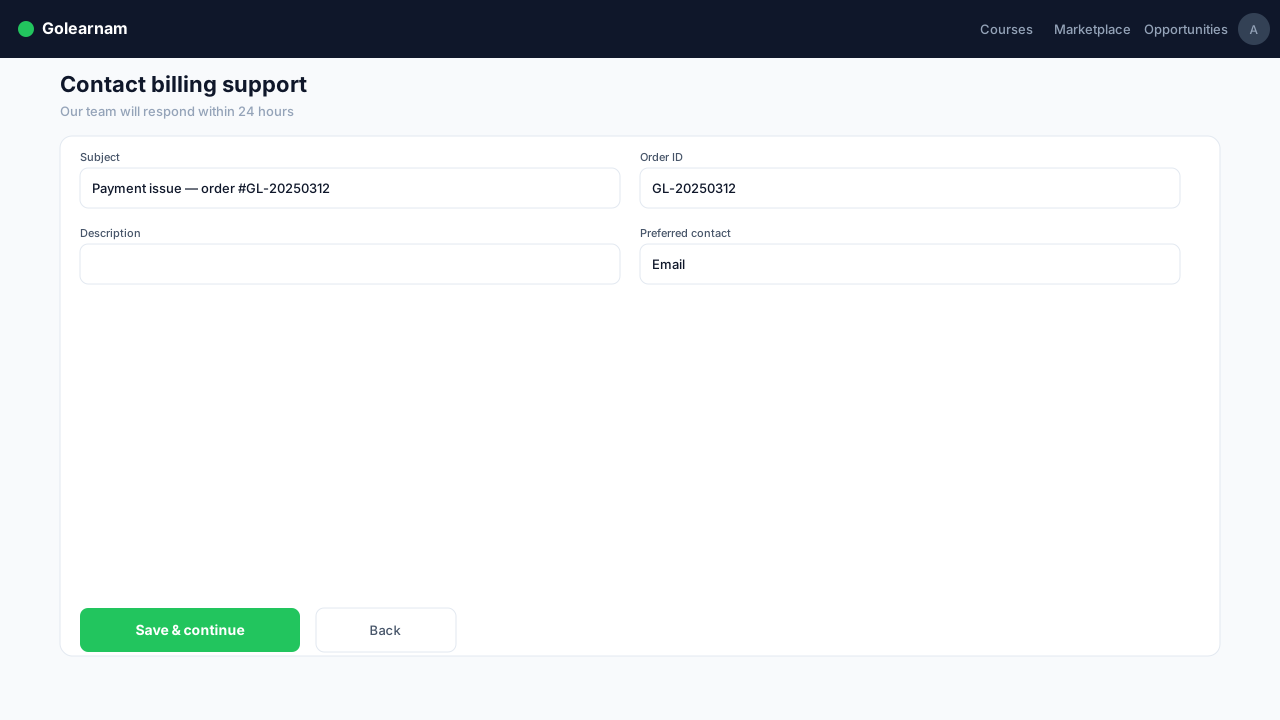
If you encounter any issues with payments, billing discrepancies, or need help with installment plans, our billing support team is here to help. Reach out via email at billing@golearnam.com or use the in-app support chat. Include your transaction ID for faster resolution.