Trsuted By
Legal and Accessibility
Golearnam is an educational platform. The courses and materials provided are for informational and learning purposes only. We do not guarantee specific career outcomes or job placements.
Trsuted By



Golearnam is an educational platform. The courses and materials provided are for informational and learning purposes only. We do not guarantee specific career outcomes or job placements.
A step-by-step walkthrough of the enrollment process, from finding the right course to accessing your first lesson.
Use the search bar on the Courses page or browse by category. You can also discover courses through the homepage featured section, tutor profiles, or article recommendations. The mega menu under 'Products' gives quick access to categories.
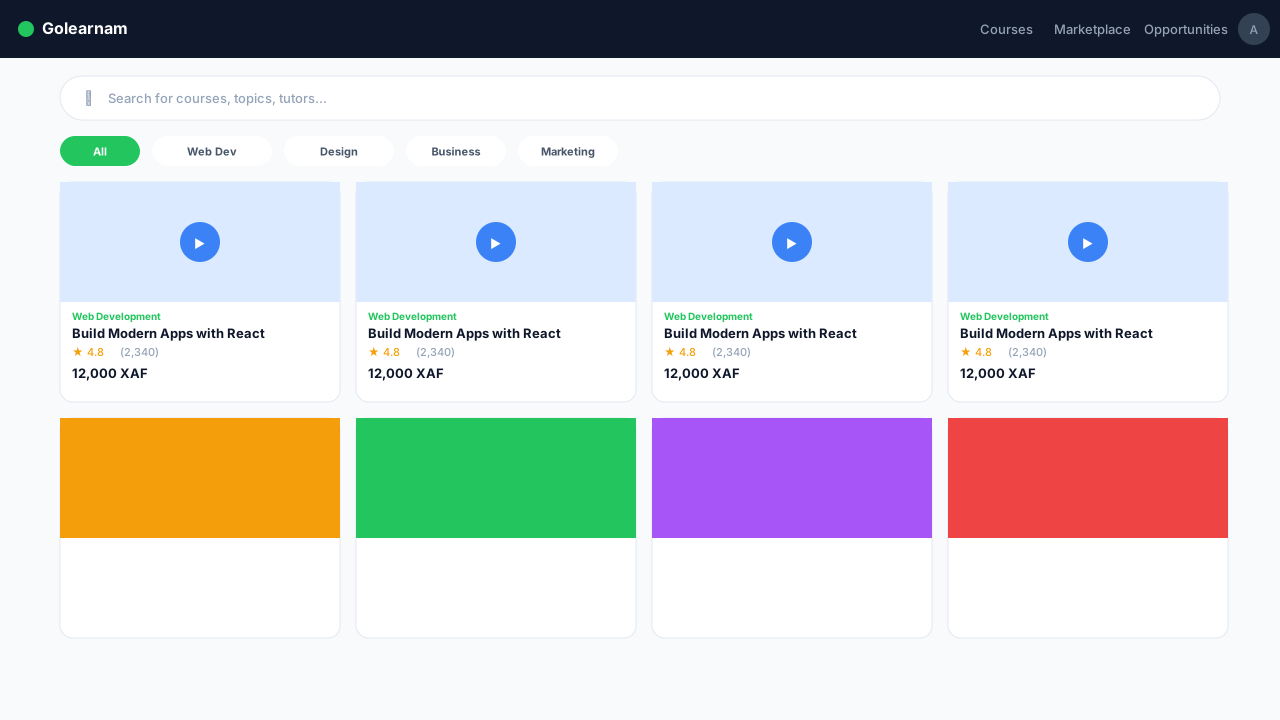
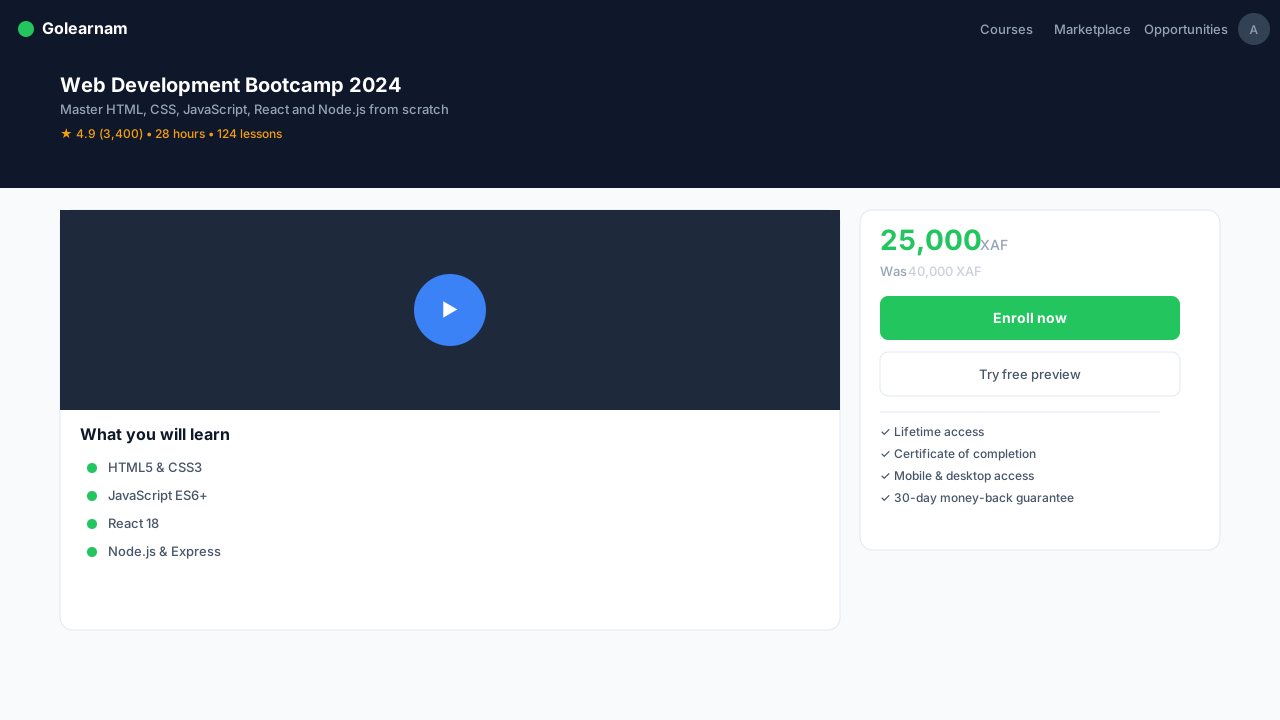
Click on any course to see its full details. Review the course description, what you'll learn, prerequisites, number of lessons, total duration, and student reviews. Check the instructor's profile to learn about their background and expertise.
Tip
Always check the prerequisites section. Some advanced courses require prior knowledge of specific topics.
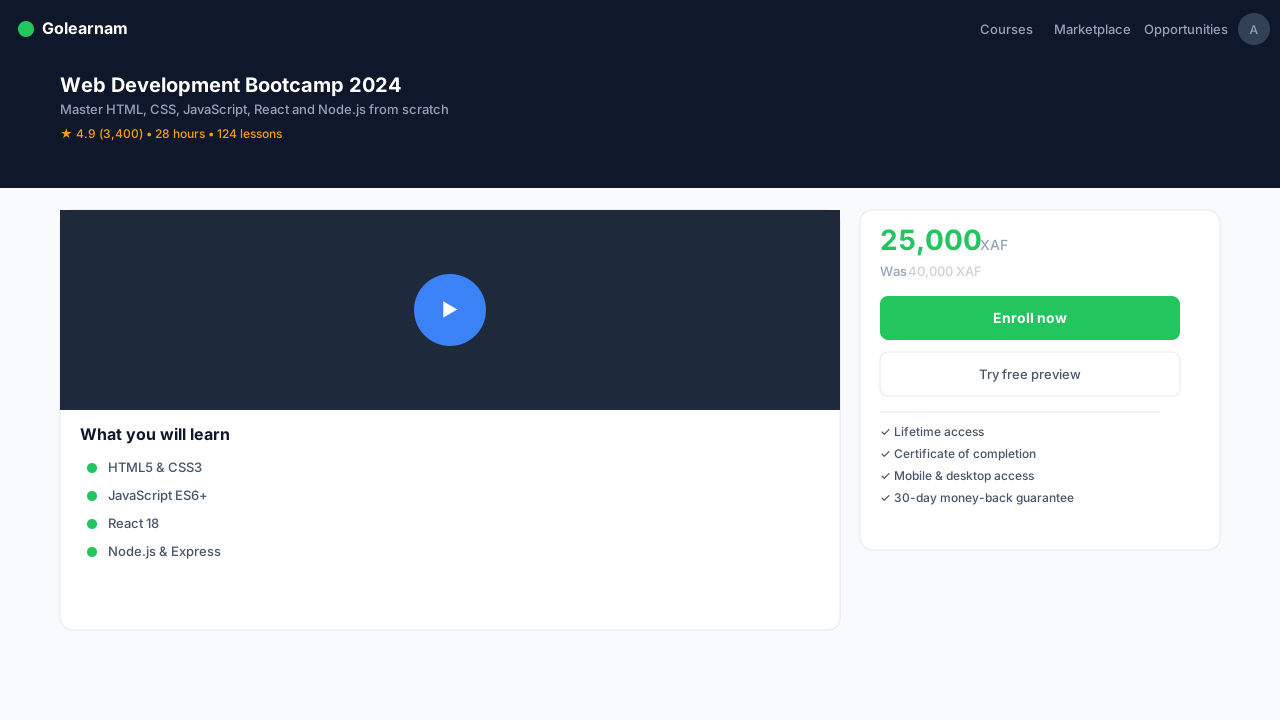
When you've decided on a course, click the 'Enroll Now' button. If the course is free, you'll get immediate access. For paid courses, you'll be directed to the checkout page.
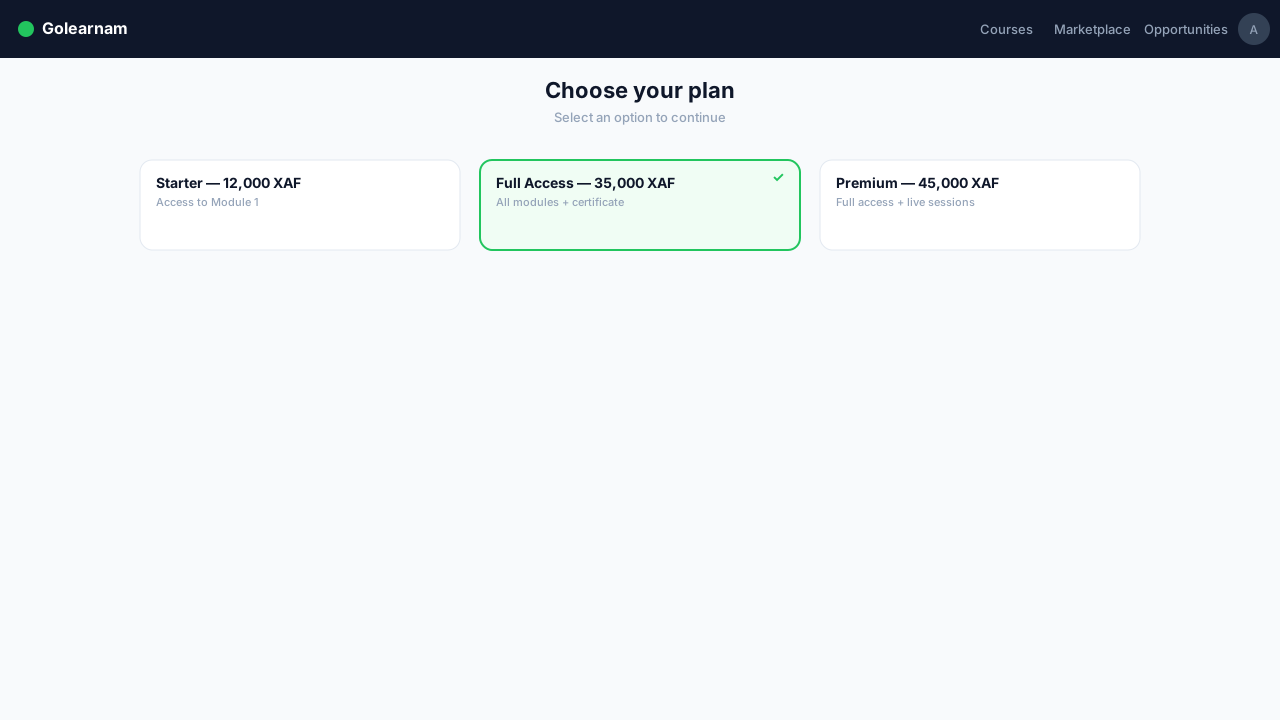
On the checkout page, you'll see the full price and available payment options. Some courses offer installment plans. You can split the cost into monthly payments. Select your preferred plan and proceed.
Tip
Installment plans make premium courses more accessible. Check if the course you want offers flexible payment options.
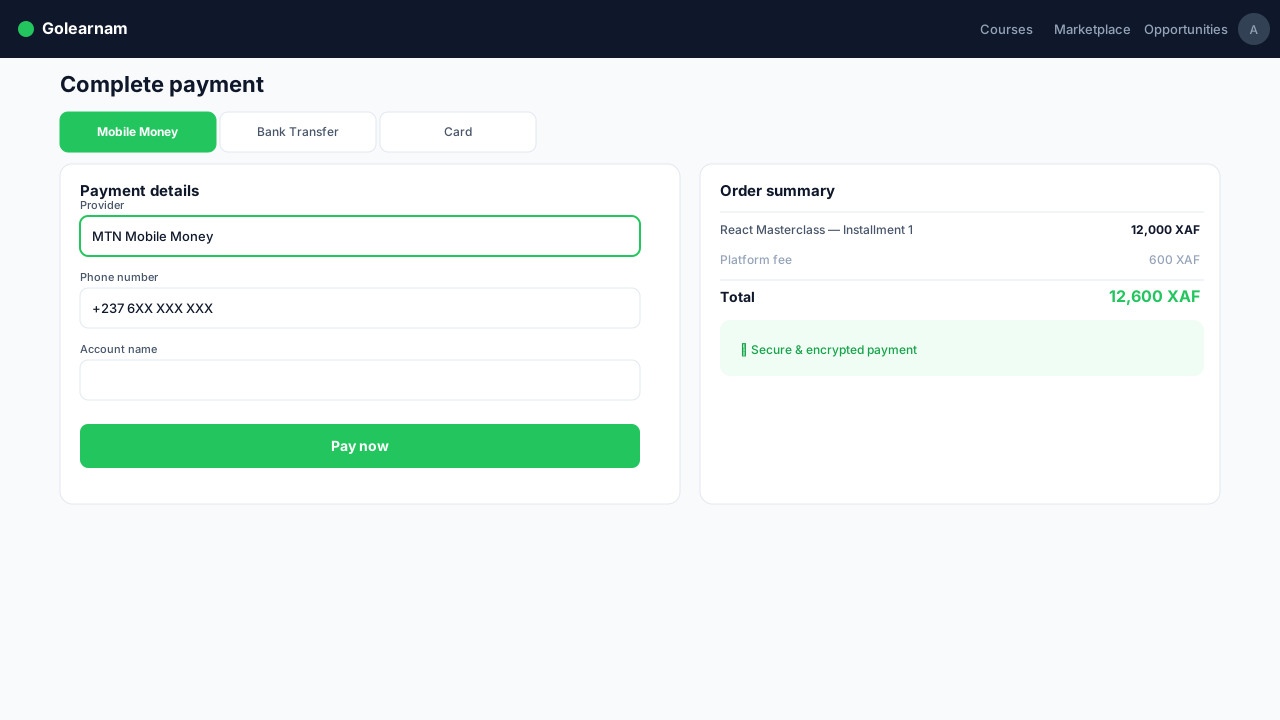
Enter your payment details and confirm the transaction. We support multiple payment methods including credit/debit cards and mobile money. You'll receive an email confirmation with your receipt once the payment is processed.
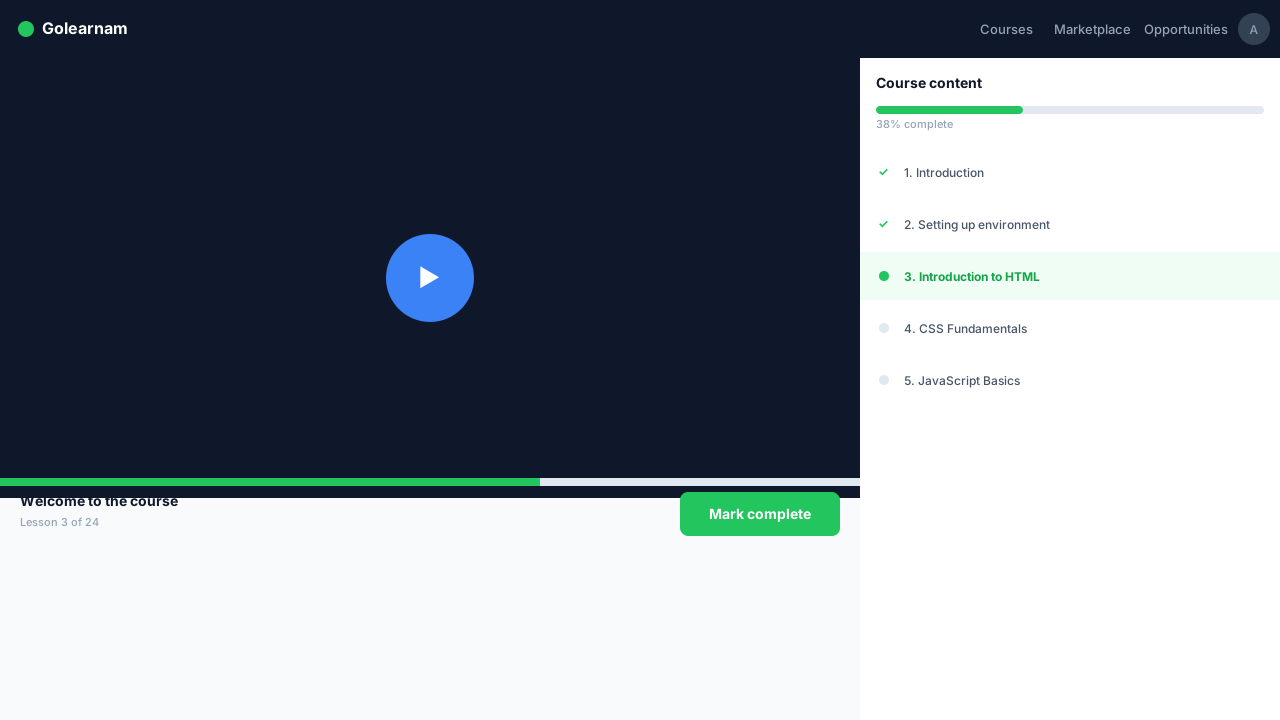
After successful payment, the course immediately appears in your dashboard under 'My Courses'. Click into it to start your first lesson. All course materials, videos, documents, and quizzes, are available from day one.
Tip
Download lesson PDFs for offline reading. Videos can be watched on any device.